How to create the internal event record
Open Dashboard → Events and add the name, start and end dates, start time and duration. Choose applicable level codes, gender, visibility and Single or Team enrollment mode before saving.
Open Dashboard → Events
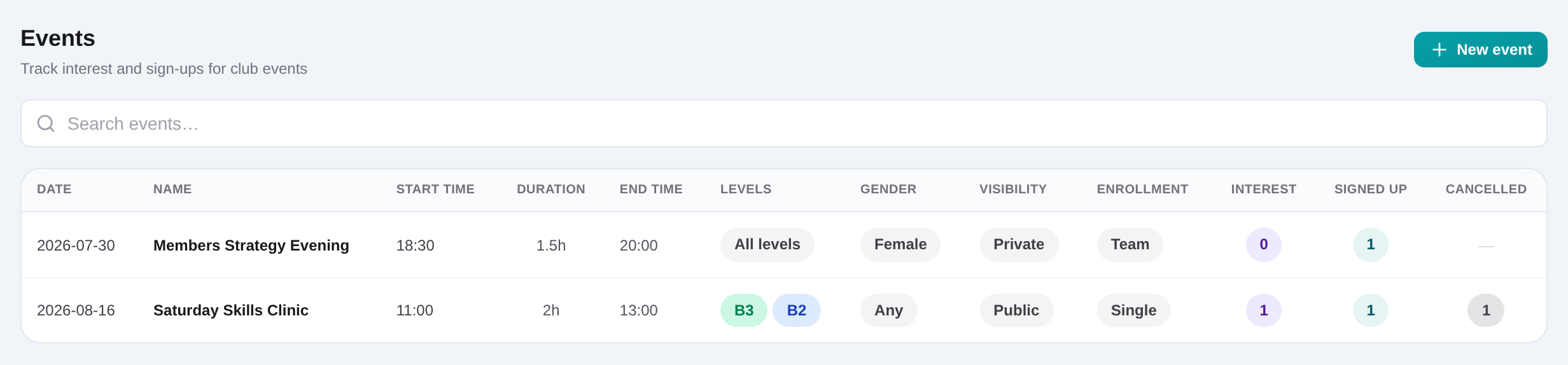
Review upcoming records, then choose Add event or open an existing event route.
Enter date and timing
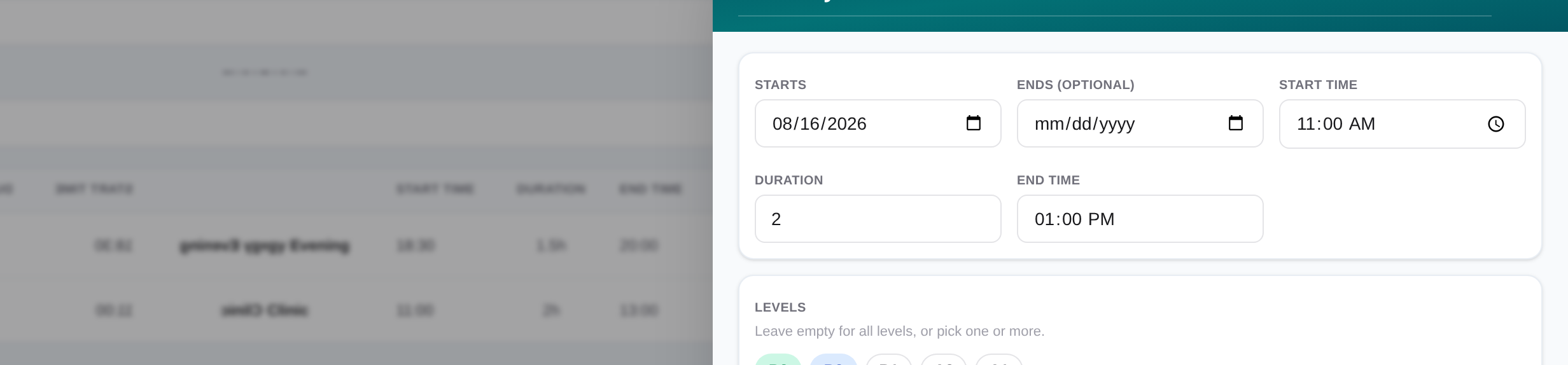
Add the name, start and end dates, start time and positive duration. The end time is calculated from start plus duration.
Set levels, gender, visibility and mode
Select applicable level codes or leave all levels, choose Any/Male/Female, set Public or Private metadata, and choose Single or Team enrollment.
Search and add CRM players
In the event slide-over, find a player, choose Interest, Signed up or Cancelled, and add the row.
Update each decision
Change the participant select when the player confirms, withdraws or returns to interest. Save the event record.
Review the list counts
Return to Dashboard → Events and use the Interest, Signed up and Cancelled counts as the internal attendance picture.