How to set up a venue record
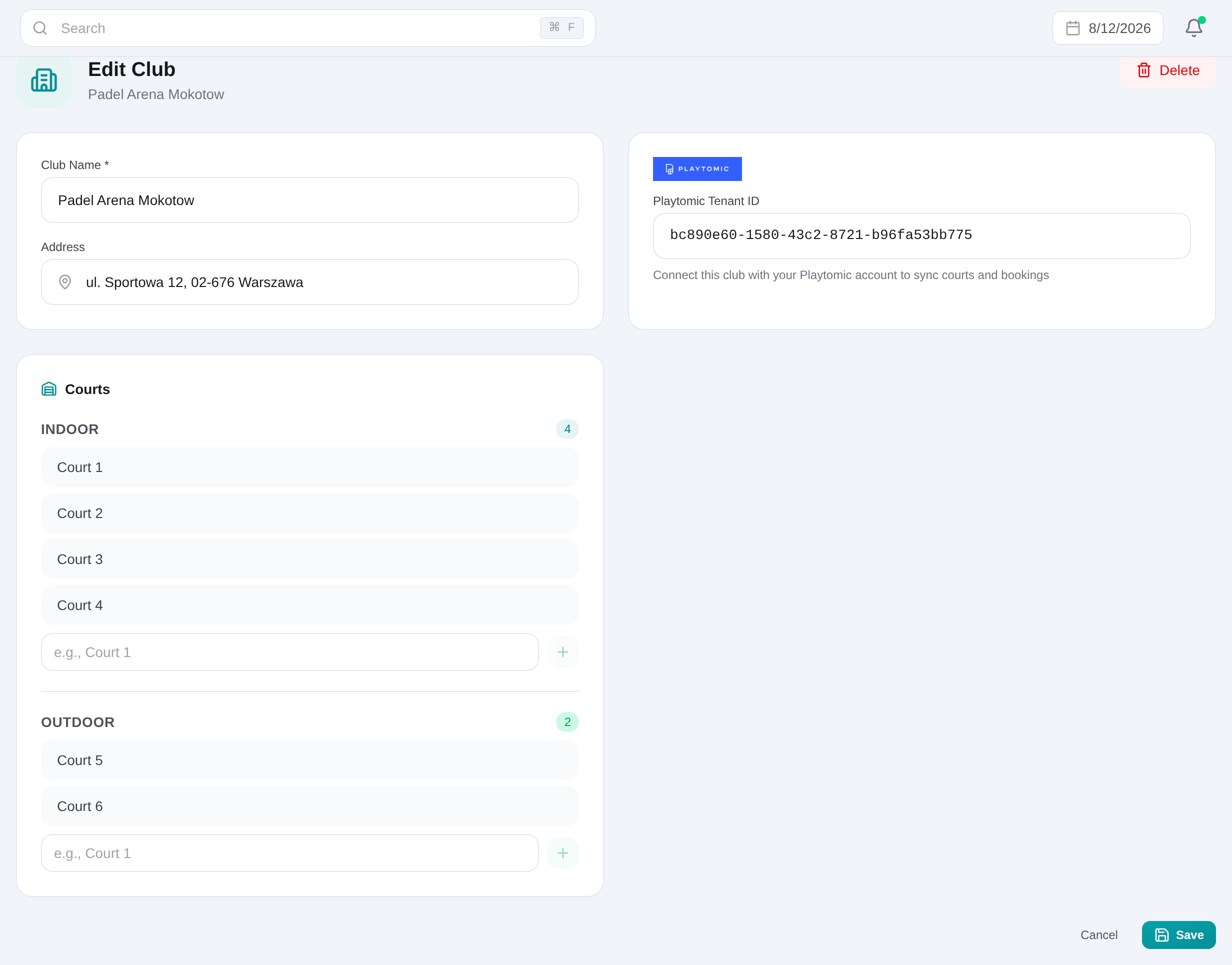
Open Dashboard → Clubs, choose Add club, enter the name and optional address, then add the Playtomic tenant ID only when that venue is connected. Save the club before adding courts.
Open Dashboard → Clubs
Review the venue list first so the same club is not created twice.
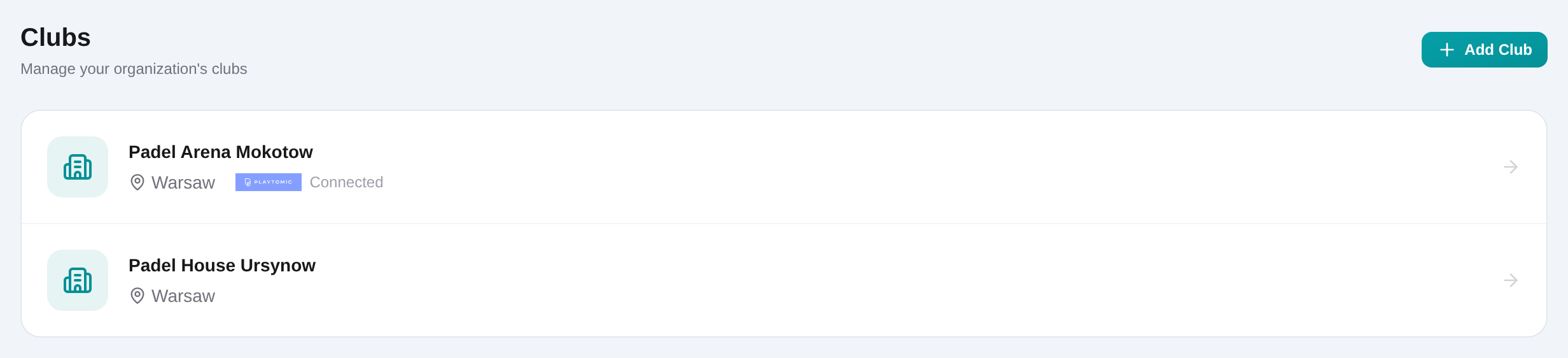
Choose Add club
Open /dashboard/clubs/new from the button in the page header or empty state.
Enter the club name and address
Add the required name and optional address. Use the same venue naming your operators expect in tournament and academy selectors.
Add a Playtomic tenant ID when applicable
Enter the venue’s tenant ID only when the club will be used for Playtomic player sync or tournament booking retrieval.
Save the club record
Choose Save and wait for success. The court management panel is available after the club exists.
Add indoor and outdoor courts
Type each court name under the correct Indoor or Outdoor section and add it. Review counts and remove obsolete entries when the venue changes.